The Açelya Wave on YouTube
I’ve decided to make a change on my YouTube channel — I was going to generate the faces of the models in my horizontal videos using my own face as a reference. On the Gemini Pro plan I have 3 free video generations per day, and that’s actually what I use to produce my videos. I deliberately leave the “Veo” watermark in place because I don’t want it to be perceived as misleading viewers — which is why you’ll see “Veo” written in the bottom right corner. Anyway, let’s get to the problems I ran into while trying to create the Açelya character.
The vertical video problem
The video format I want to produce should be 16:9, meaning horizontal. Gemini normally generates horizontal videos consistently, but the moment I tell it to generate a video using my face as a reference, it keeps producing vertical ones. I’ve already spent two days burning through what little generation credits I had trying to fix this, because Gemini simply can’t resolve the issue. On top of that, it keeps saying the problem isn’t on its end — “I’m sending this to the system but the system is responding differently” — claiming it’s not at fault. It may well be right, I don’t know, but who’s right doesn’t really matter. I need to solve the problem. I do have a theory about why this is happening, though I’m not certain. It’s probably because the reference images I’m feeding it are vertical — all of my photos are in portrait orientation, and that’s how I was asking it to use them.
Why not just generate a photo and then convert it to video?
Sounds like a reasonable approach, doesn’t it? No, it isn’t. Because AI sees the photo from a single angle, and what I want to create is a combination of different cinematic angles — not a single static shot. On top of that, no matter how good your prompt is during photo-to-video conversion, movement stays very limited and the hands and face often end up distorted. You end up with an incoherent video.
The bigger problem is that Gemini performs incredibly poorly when generating still images using my face as reference, yet when I ask it to generate a video, it produces surprisingly impressive results — sometimes genuine works of art. The reason is that the system it uses for image generation is different from the one it uses for video generation. Because they’re not the same system, the inconsistency occurs.
Generating images with Kling.ai and converting them to video through Gemini.
This is actually the most logical approach — generating a photo using Kling.ai, sending it into a Gemini conversation, and asking it to convert it into a video seems like the more sensible option.
The issue here is credits. They used to give 66 credits per day, but now it seems like it’s only around 10 to 15. I’ll have to work with that. I’ll generate my visuals there and then convert them to video through Gemini. Since I ran out of credits today, I’ll try it tomorrow. If it works, my video production workflow will look like this:
For prompt crafting and information: **Claude.**
For YouTube video visuals and Instagram/TikTok video production: **Kling AI.**
For video generation and general phone assistant: **Google Gemini.**
Results from my test outputs.
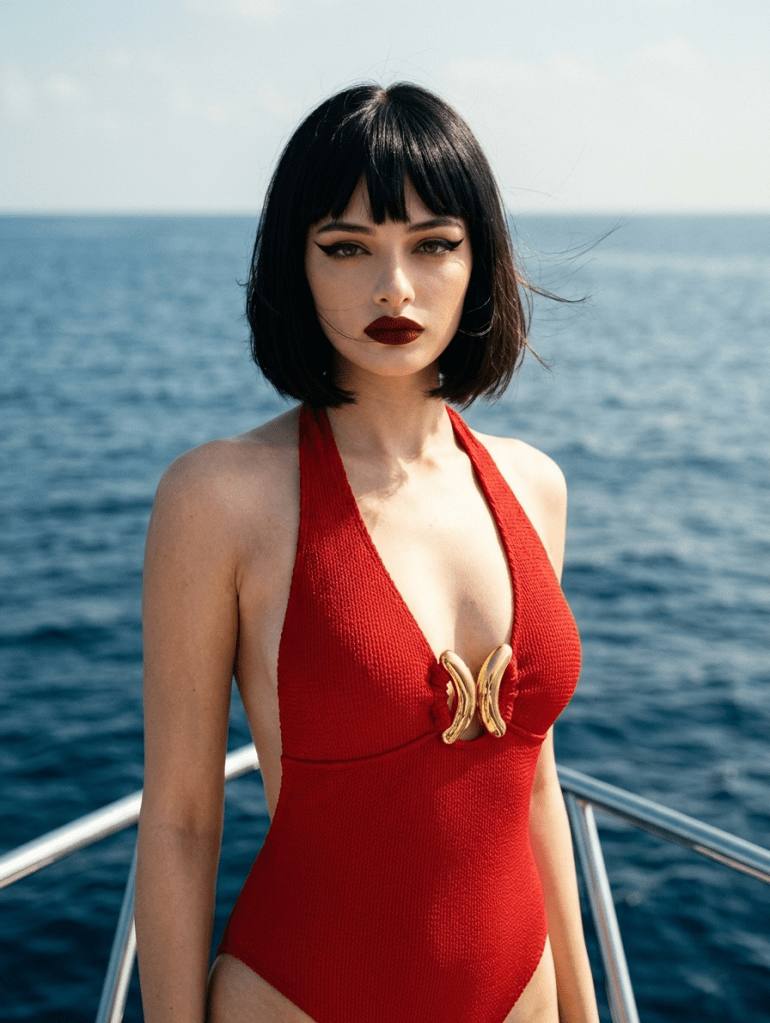
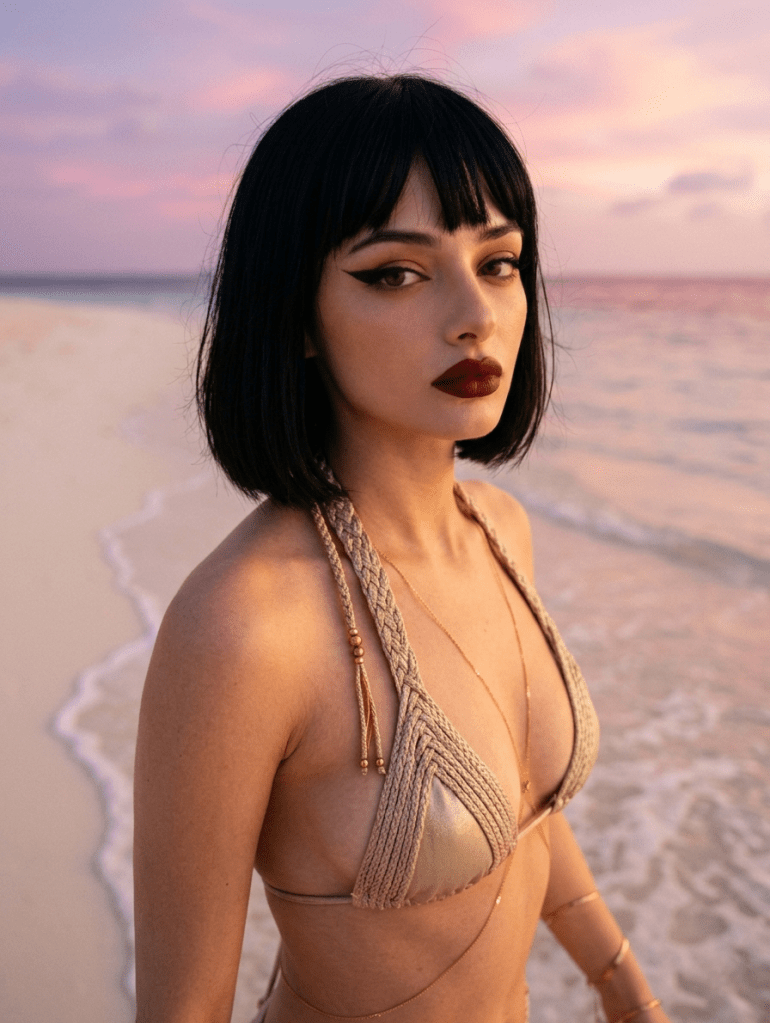
As you can see, the results are coming out exactly the way I want them. If I can maintain this quality when converting them to video, we’re good to go.
Preparing for summer
All of this effort can be thought of as preparation for the Swimwear and Summer Dress content I’ll be posting during the summer months. Swimwear gets significantly more views in summer, and I want to take advantage of that and become a trending channel. After a certain point, I want all of my videos and Shorts to feature only my own face.
For now, I’ve scheduled my AI Fashion Diaries videos up until May 22nd — they’ll publish every Friday. For the remaining two days, Monday and Wednesday, my videos are scheduled through April 27th. As for Sundays, I still have no idea what to do. Under normal circumstances I was editing a compilation of the three videos I posted that week, but since I won’t be doing that until May, I need to come up with a different content idea. I’ll think about it for now.
Instagram and Shorts Collage
Found it. I’ve found a new idea. I’m going to create a video using the materials I produce while generating that week’s Shorts and Instagram Reels, and post it on Sundays. Let me give you an example with a visual.
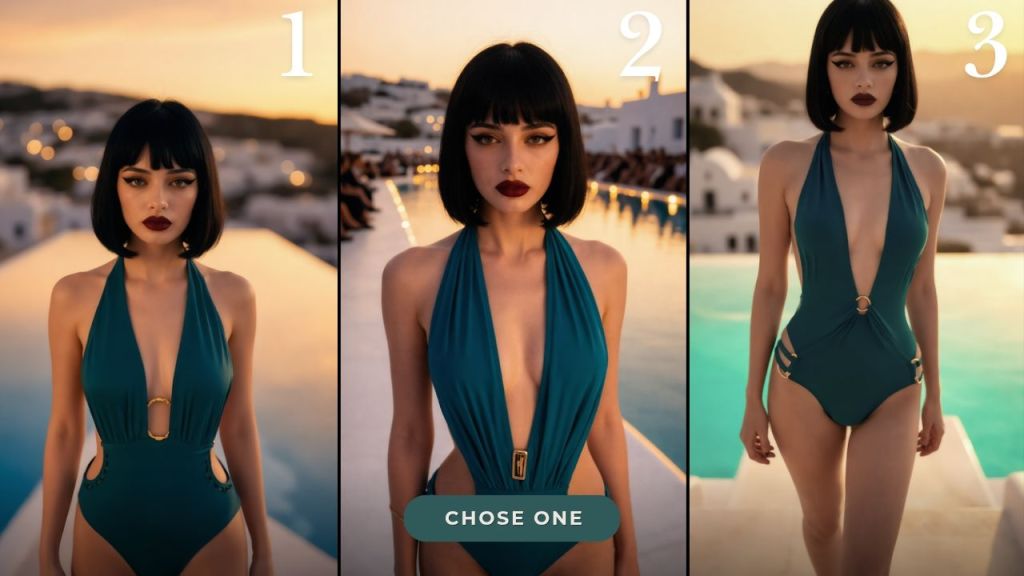
First, I pick 3 unused outputs from the generation process of my Shorts video and arrange them like in Visual 1, then add a 10-second timer. The viewer picks their favorite — and then see Visual 2.
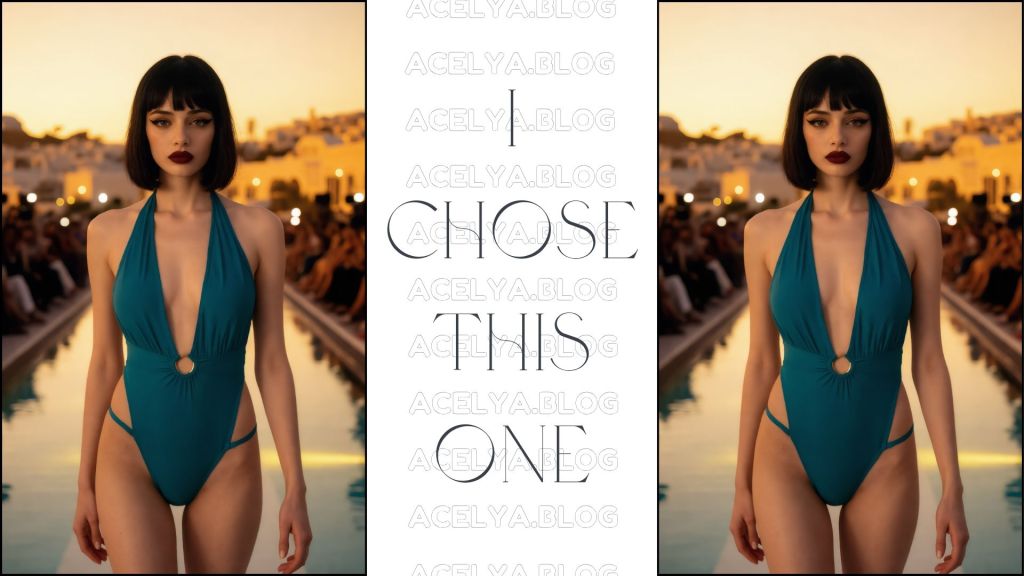
Here I reveal the output I actually chose and its video form. I’m not placing my chosen output among the three in Visual 1 because people who already follow me will know which Shorts I’ve posted — so I didn’t want to waste a slot on something they’ve already seen. This way they’ll tell me which one they liked — whether they call it 1, 2, 3, or “output.”
A nice concept, I think. For the next two weeks I’ll schedule 2 videos from the Collage series for 12:00 noon because I don’t want to delete the existing videos. The new concept will go up at 7:00 PM. That’s why I’m publishing this blog post a little earlier today.
Don’t forget to watch the video to show your support 😭

Leave a comment